How it works
Up and running in three steps.
No developers, no complicated setup. Most sites take a few minutes.
Step 1
A minute or two
Enter your website
We read your public pages: services, prices, hours and service area. Then you confirm your business type with one tap.
Step 2
Free, no signup
See it answer
Ask it what your customers ask. Choose what it should do, like answer questions or take messages for a callback.
Step 3
A few minutes
Add it to your site
Paste one line of code, or use the WordPress plugin or the Shopify app. Our install guides show exactly where it goes.
<script async src="https://botdesk.studio/widget.js"
        data-api-key="your_api_key"></script>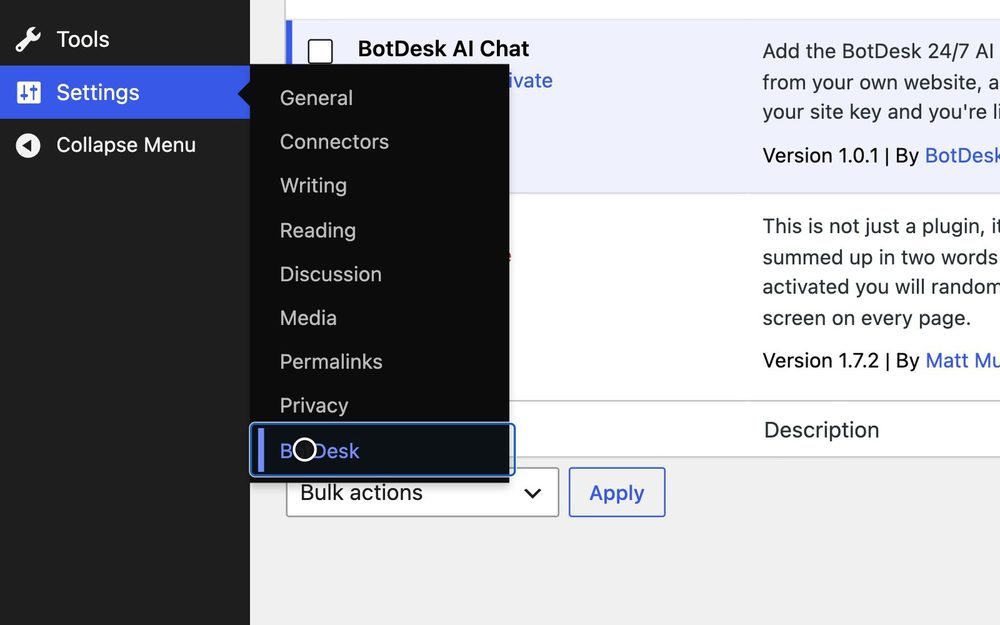
Setup takes a few minutes. Stuck? .
Then what
Where the lead lands
The visitor leaves their name and number, you get an email, and the lead waits in your dashboard.
